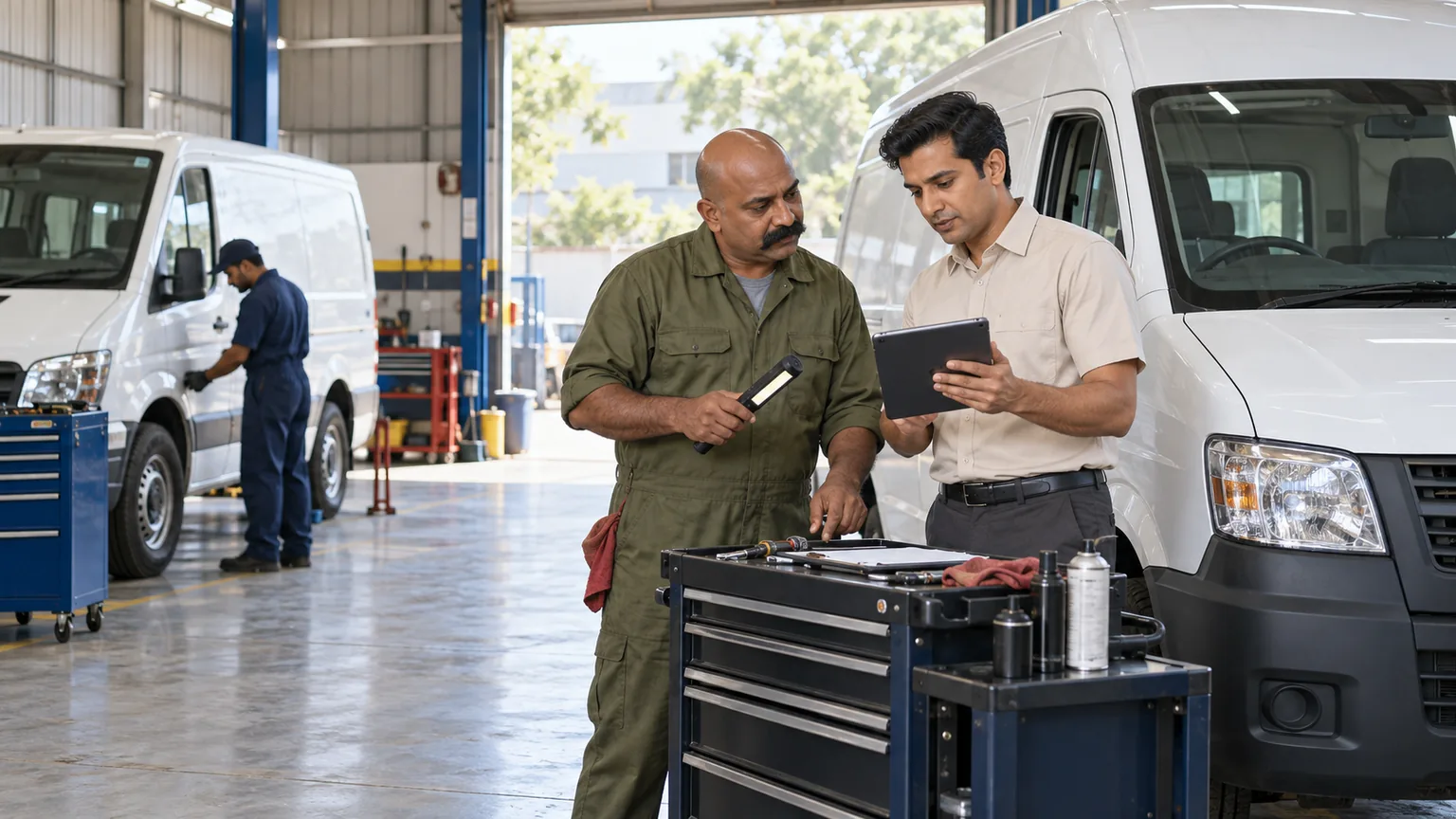
Workshop teams need an agreed estimate, a clear job card and a reliable history of what was done to each vehicle. ALGONLP can assess workshop and fleet-maintenance software that connects inspection findings, customer approval, parts, mechanic tasks and delivery. Fleet garages can add maintenance schedules and downtime records where the underlying data is dependable.
Keep the approved repair scope on the job card.
Trace parts and charges to each vehicle.
See maintenance tasks due under your fleet rules.
Illustrative workflow.
Workflow comparison
Before and after: how the workflow could change
Illustrative comparisons for a scoped implementation. The proposed workflow depends on agreed processes, supported integrations and staff use.
Keeps the repair decision and spending authority traceable.
Today
The mechanic begins additional work after a verbal discussion that is absent from the job card.
Proposed workflow
The vehicle job card distinguishes the approved estimate from proposed repairs.
How it works
Record the new finding and price; the customer or authorised fleet manager approves it before the scope changes.
Helps the workshop explain the invoice and investigate stock differences.
Today
Parts issued or returned cannot be explained against a particular vehicle job.
Proposed workflow
Parts transactions retain the vehicle and job reference alongside stock records.
How it works
Staff link issues, purchases and returns; accounts checks the final job against the approved work and parts usage.
Shows overdue maintenance and the records behind each due task.
Today
Fleet servicing depends on someone remembering mileage and past repairs.
Proposed workflow
Verified mileage and date rules create assigned maintenance-due tasks.
How it works
Use fleet-approved intervals and service history, flag missing readings and record completed work against the vehicle.
Illustrative example
A practical end-to-end example
Illustrative example: a fleet vehicle enters the workshop for scheduled service. Inspection finds extra work, which the fleet manager reviews before approval. The mechanic follows the updated job card and records parts issued and returned. Accounts checks the invoice, while the completed service updates the vehicle history and next rules-based maintenance task.
Where vehicle work loses its paper trail
The promised repair scope and estimate are separated from the mechanic’s job card.
Additional faults or parts are handled verbally, leaving unclear customer approval.
Parts issues, returns and technician progress reach accounts late or without vehicle references.
Fleet service history and upcoming maintenance depend on fragmented mileage or calendar records.
Keep each vehicle job explainable
Receive and inspect
Identify the vehicle and customer, record reported issues, inspection evidence and the expected handover date.
Prepare the estimate
Use approved labour and parts rates. Record customer or fleet-manager approval and any spending limits.
Assign the job card
Give technicians the approved scope and tasks. Capture newly discovered work as a separate approval request.
Issue parts and track work
Link stock issues, purchases, returns and labour records to the vehicle job, with status updates from responsible staff.
Review and deliver
Complete agreed checks, retain customer acknowledgement and prepare a finance-reviewed invoice for the approved work.
Plan future maintenance
Use verified mileage, dates and fleet policy to create service tasks. Record overdue work and vehicle downtime with clear definitions.
Choose workshop or fleet scope
The project may include customer and vehicle records, digital job cards, estimate approvals, parts transactions, technician allocation, inspection evidence and billing links. Fleet teams can add recurring schedules, work authorisation and downtime reporting.
Telematics connections require authorised provider access and reliable data. Start with mileage and time rules where these solve the problem; sensor-driven prediction needs a separate evidence-based assessment.
AI organises repair notes for staff review
AI may turn technician notes into draft service histories or prepare estimate descriptions from approved rates. Technicians verify faults, work and safety checks; authorised staff approve repair scope and charges. Maintenance reminders can use transparent rules. Autonomous diagnosis or predictive-maintenance accuracy is not promised.
Is this a useful fit for your business?
A good fit is a workshop with several bays or branches, recurring company-fleet work or a fleet garage needing accountable maintenance records.
A small workshop needing invoices alone may find packaged software sufficient. GPS tracking and full fleet dispatch are separate requirements from vehicle maintenance.
Pilot representative jobs and one fleet schedule
Agree job and vehicle records
Review approval rules, parts codes, labour rates, fleet policies and existing finance tools.
Test repair exceptions
Include extra work, a returned part, delayed procurement and a job awaiting customer approval.
Roll out the maintenance view
Train staff and validate service-due and downtime records before adding branches or telematics.
Agree the first release
Scope, migration and ongoing operation
What the agreed scope can include
Vehicle jobs and estimate approvals
Parts, technician tasks and invoice references
Verified service history and maintenance schedules
What needs separate scoping
Full transport dispatch and GPS tracking are separate requirements. Sensor-based prediction needs a separate evidence-based assessment; predictive accuracy is not guaranteed.
Data migration
Review vehicle identifiers, service dates/mileage, parts units, open estimates and fleet approval rules before imports.
Training and ongoing support
Train service advisers, mechanics, stores and fleet approvers on job changes and parts corrections. Agree support hours, issue ownership, backups, recovery checks and change-request terms before rollout.
Useful answers
Questions and answers
Can a company fleet approve estimates before work starts?
That can be a core step. Agree authorised contacts, approval limits and treatment of additional work before configuring the workflow.
Can parts stock remain in our current system?
Yes, where a supported connection preserves reliable stock ownership. Test parts issues, returns and corrections against the job reference.
Do we need vehicle sensors for maintenance reminders?
No. Verified mileage, dates and fleet policies can support rules-based reminders. Predictions from sensor data require adequate history and a separate evaluation.
Can one system support walk-in jobs and fleet contracts?
A shared job record can support both, with distinct billing and approval rules. Discovery checks whether those differences justify custom work or configuration.
What determines the project cost?
Workshop bays/branches, fleet contracts, parts workflows, approvals, accounts access and optional telematics drive the estimate. Data migration and ongoing maintenance/support are separately identified.
When could we go live?
We set a phased schedule after discovery and access checks, rather than promise a date before scope is known. A rollout date depends on approved labour/parts rules, reconciled open jobs and practical tests of additional-work approvals. Start with the agreed pilot and expand after sign-off.
Discuss a focused first step
Bring one vehicle job card and approval gap
Tell us how estimates, extra work and parts reach your mechanic and accounts teams. A redacted job card or fleet service schedule is a useful starting point.